

Online Tutoring
How to Become a Tutor on Preply: Complete Guide
Requirements, application process, profile setup, and tips for success on the platform.
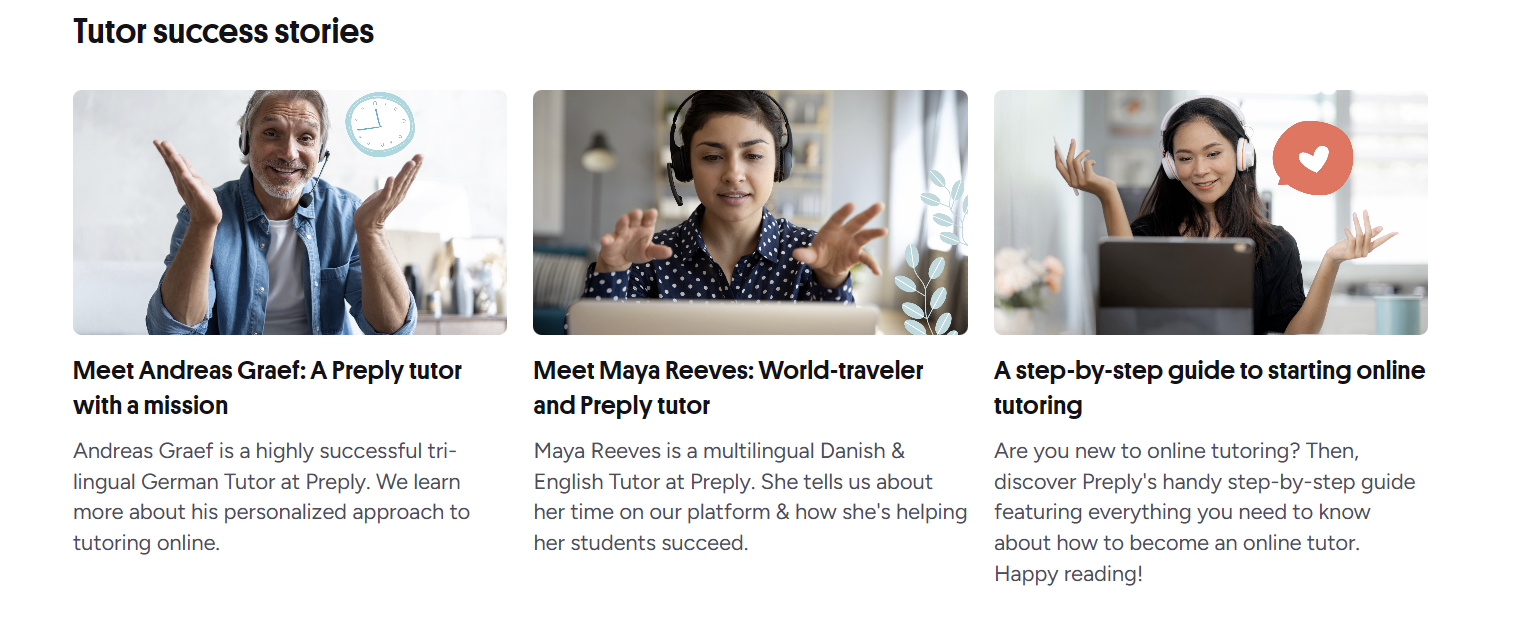
Preply has grown into one of the largest online tutoring marketplaces, connecting millions of students with tutors across dozens of subjects. For anyone considering teaching online, the platform offers a low barrier to entry compared to traditional tutoring agencies. You set your own schedule, choose your rates, and work from anywhere with an internet connection. But the freedom comes with responsibilities — building a student base, managing your calendar, and maintaining the ratings that keep you visible in search results.
Contents
- 1. What Preply Offers Tutors
- 2. Tutor Requirements and Eligibility
- 3. Application Process Step by Step
- 4. Creating Your Tutor Profile
- 5. Setting Your Rates and Availability
- 6. Getting Your First Students
- 7. Teaching Tools and Platform Features
- 8. Earnings Potential and Payment
- 9. Tutor Rules and Policies
- 10. Pros and Cons of Tutoring on Preply
- 11. Tips for Long-Term Success
- 12. Common Challenges and Solutions
- 13. Comparing Preply to Alternatives
- 14. Final Assessment of Preply Tutoring
This guide walks through the entire process of becoming a Preply tutor, from checking eligibility to optimizing your profile for steady bookings. It covers the practical details that Preply's own help pages sometimes gloss over: how the commission structure actually affects your take-home pay, what makes a profile convert browsers into trial lessons, and which habits separate tutors who earn a full-time income from those who quit after a month.
The platform operates on a marketplace model. Students search for tutors by subject, price range, availability, and ratings. Preply takes a commission on each lesson, and the percentage decreases as you teach more hours on the platform. There is no upfront fee to join, but the time investment to build a sustainable schedule is real. Understanding the economics before you apply helps you decide whether the platform aligns with your income goals.
Most tutors start part-time while keeping other work. That approach makes sense — the first few months involve trial and error with pricing, scheduling, and lesson materials. Tutors who treat it like a business from day one, tracking metrics and iterating on their profile, tend to reach stable earnings faster. The following sections break down each stage of the journey.
What Preply Offers Tutors
Preply positions itself as a global classroom. Students come from over 180 countries, and the platform supports more than 50 subjects — though languages dominate the marketplace. English tutors make up the largest category, followed by Spanish, French, German, and Asian languages. The platform also hosts tutors for academic subjects like math, physics, and programming, but demand varies significantly by subject.
The tutor dashboard includes a built-in video classroom with screen sharing, a whiteboard, and file sharing. Lessons happen in the browser or through the mobile app. Preply handles scheduling, reminders, payments, and dispute resolution. Tutors can message students directly through the platform, and the system tracks lesson history, student progress, and earnings automatically.
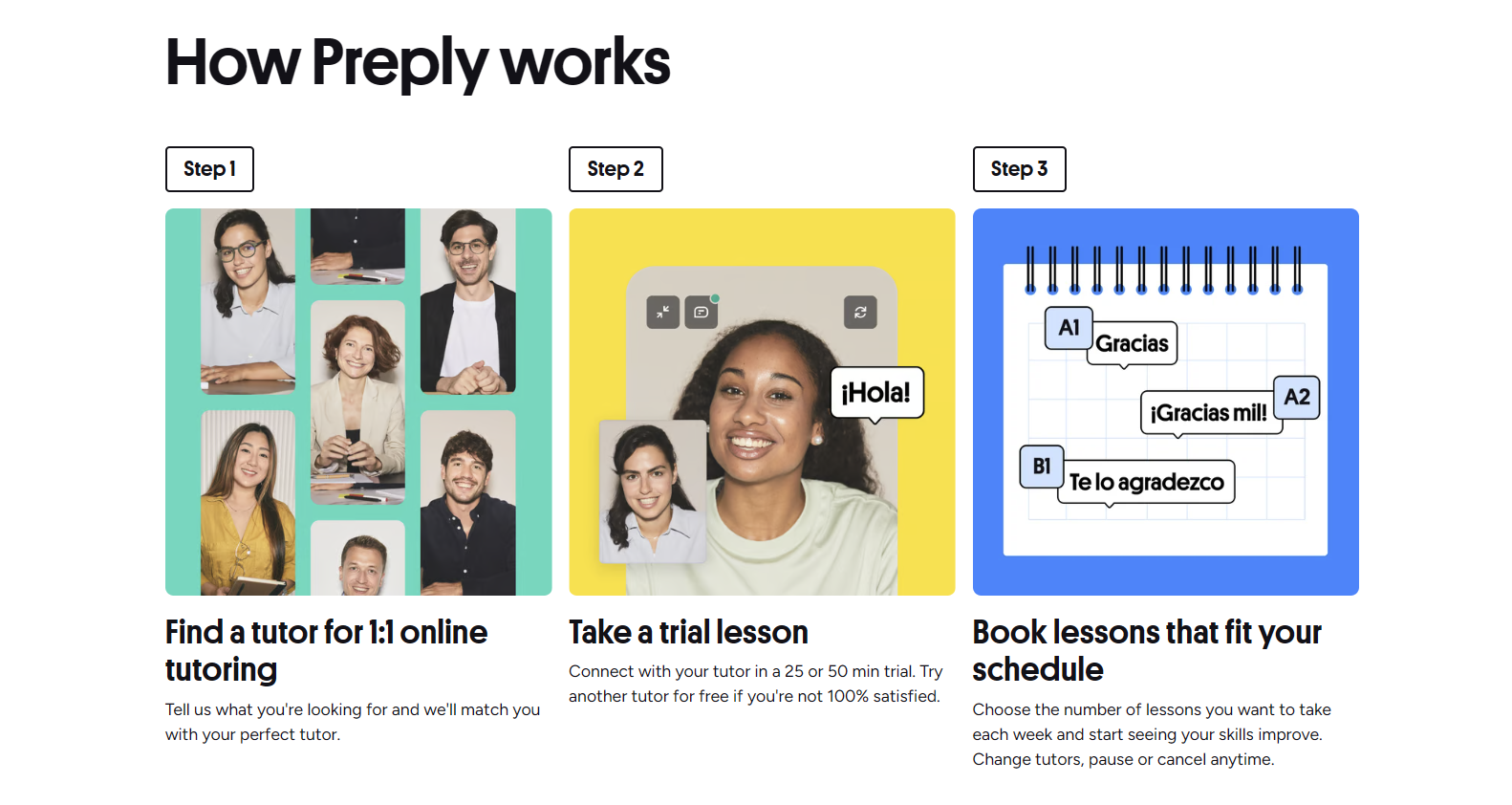
One distinctive feature: Preply encourages trial lessons. New students often book a 50-minute trial at a discounted rate. Tutors set their own trial price, but the platform recommends keeping it low to reduce friction. Trial lessons are where most long-term relationships begin. A tutor who converts trials into recurring packages builds a predictable schedule; one who treats trials as one-offs stays stuck in constant recruitment mode.
Tutor Requirements and Eligibility
Preply's stated requirements are deliberately broad. You must be at least 18 years old, have a reliable internet connection, a webcam, and a quiet space to teach. There is no degree requirement, no teaching certification mandate, and no native-speaker rule for language tutors. The platform relies on student reviews and ratings to surface quality rather than gatekeeping at the application stage.
That openness means competition is high, especially for popular languages. A tutor without formal qualifications can still succeed, but the profile must demonstrate competence through other signals: a strong introduction video, clear lesson descriptions, relevant experience, and early positive reviews. Students filter heavily by rating and review count, so the first 10–20 reviews disproportionately shape your trajectory.
- Age 18 or older
- Stable broadband internet (minimum 5 Mbps upload)
- Working webcam and microphone
- Quiet, well-lit teaching environment
- Government-issued ID for verification
- Bank account or PayPal for payouts
- Proficiency in the subject you plan to teach
- Fluent English for platform communication (interface language)
Subject-specific expectations vary. Language students often look for native or near-native fluency, though many successful tutors are non-native speakers with strong teaching backgrounds. Academic subject tutors typically need demonstrable expertise — a degree, certification, or professional experience in the field. Programming tutors benefit from a portfolio or GitHub profile. The platform does not verify credentials beyond identity, so students rely on your profile presentation and reviews.
Application Process Step by Step
The application lives entirely online. You start by creating an account with email or social login, then complete a tutor profile form. The form asks for your subjects, hourly rate, availability, education, work experience, and a short bio. You also record a 1–2 minute introduction video — this is mandatory and cannot be skipped. Preply's team reviews applications manually, usually within 3–5 business days.
- Create a Preply account (tutor sign-up page)
- Select up to 3 subjects you want to teach
- Set your hourly rate in USD
- Define weekly availability in your time zone
- Fill in education and work history
- Write a tutor bio (up to 600 characters)
- Record and upload introduction video (1–2 minutes)
- Submit government-issued ID for identity verification
- Wait for approval email (typically 3–5 business days)
- Complete profile setup after approval: calendar, payment details, timezone
Rejection reasons are rarely detailed. Common issues: poor video quality, vague bio, unrealistic rates for the subject, or incomplete verification. If rejected, you can reapply after 30 days. Some tutors report success on a second attempt after improving their video and bio. The video matters more than many applicants realize — it's the first impression students see in search results.
After approval, you gain access to the tutor dashboard. The first thing to do is set up your payment method — Preply supports bank transfer (via Wise), PayPal, and Payoneer. Payouts happen automatically twice a month, on the 1st and 16th, for lessons completed at least 3 days prior. There is a $30 minimum for bank transfers; PayPal and Payoneer have lower thresholds. Currency conversion fees apply if your bank account uses a non-USD currency.
Creating Your Tutor Profile
Your profile is your storefront. Students decide whether to book a trial based on your photo, video, bio, ratings, and hourly rate — in that order. A professional headshot with good lighting outperforms casual selfies. The introduction video should show you speaking naturally, ideally switching between English and your teaching language if they differ. Keep it under 90 seconds; attention spans are short.
The bio field allows 600 characters. Use them to answer three questions: who you teach, how you teach, and what results students can expect. Avoid generic statements like "I'm passionate about teaching." Instead: "I help intermediate English speakers prepare for IELTS speaking using timed mock exams and targeted feedback. My students average a 0.5 band improvement in 10 lessons." Specificity builds trust.
Scroll horizontally to see all columns
| Element | Impact | Best Practice |
|---|---|---|
| Profile photo | High | Professional headshot, smiling, neutral background |
| Introduction video | Very high | 90 seconds, clear audio, show personality and method |
| Bio headline | High | Lead with niche and result, not credentials |
| Hourly rate | Medium | Competitive for your niche; adjust after 20+ reviews |
| Availability | High | Show 15+ hours/week across multiple time zones |
| Reviews | Very high | Prioritize trial conversion to build review count fast |
Preply lets you add certifications, but they appear below the fold. Students rarely scroll that far unless your top section hooks them. Focus energy on the video and bio. The platform also auto-generates a "teaching style" tag cloud from your lesson descriptions — use consistent keywords ("conversation practice," "exam prep," "business English") so the algorithm associates you with the right searches.
Setting Your Rates and Availability
Pricing is one of the most consequential decisions you'll make. Preply displays rates in USD globally. English tutors typically charge $15–$40 per hour; niche languages and test prep can command $30–$60. New tutors often underprice to attract initial students, but rates that are too low signal low quality and attract price-sensitive students who churn quickly. A middle-ground strategy: start slightly below the median for your subject, then raise $2–$3 every 10–15 reviews.
Availability is equally critical. The platform's search algorithm favors tutors with open slots in the next 7 days. Block out at least 15–20 hours per week across morning, afternoon, and evening slots in major time zones (EST, PST, CET, JST). Use the recurring availability feature so slots auto-populate. Gaps in your calendar hurt visibility more than a slightly higher rate.
Scroll horizontally to see all columns
| Lifetime Hours Taught | Commission Rate | Tutor Take-Home |
|---|---|---|
| 0–20 hours | 33% | 67% |
| 21–50 hours | 28% | 72% |
| 51–200 hours | 23% | 77% |
| 201–400 hours | 20% | 80% |
| 400+ hours | 18% | 82% |
The commission drops automatically as you cross hour thresholds. It applies to the full lesson price, including trial lessons. There are no hidden fees beyond payment processor charges. This tiered structure rewards consistency — tutors who stick around past 200 hours keep significantly more of each dollar. Factor the early high commission into your initial rate calculation; a $20 rate at 33% commission nets $13.40, while the same rate at 18% nets $16.40.
Preply also offers a "Preply Plus" subscription for students, which gives them discounted lessons. Tutors opt in to this program; when a Plus student books you, the platform covers the discount so your net rate stays the same. Opting in expands your potential student pool but means more trial lessons from bargain-hunters. Most experienced tutors keep it enabled — the volume usually outweighs the lower conversion rate.
Getting Your First Students
The first two weeks after approval are critical. Preply gives new tutors a temporary visibility boost in search results — often called the "new tutor badge" period. During this window, your profile appears higher for relevant searches even without reviews. Use it aggressively: keep your calendar wide open, respond to messages within minutes, and accept every reasonable trial request. The goal is 5–10 reviews as fast as possible.
- Enable instant booking so students don't wait for confirmation
- Set trial lesson price at 50–70% of your regular rate
- Send a personalized welcome message within 5 minutes of booking
- Prepare a structured trial lesson plan with level assessment
- Follow up within 24 hours with a lesson summary and next steps
- Ask satisfied trial students for a review immediately after the lesson
- Adjust availability daily based on booking patterns you observe
Trial lesson structure matters. Spend the first 10 minutes understanding the student's goals, current level, and learning preferences. The next 30 minutes should demonstrate your teaching method with actual content — not just chat. End with a concrete recommendation: "Based on today, I suggest two 60-minute lessons per week focusing on X, using Y materials. Shall we book a package?" Direct asks convert better than vague suggestions.
Teaching Tools and Platform Features
The Preply classroom runs on WebRTC and works in Chrome, Firefox, and Safari without plugins. Features include a shared whiteboard with drawing tools, text chat, file upload (PDF, images, audio up to 20 MB), screen sharing, and lesson recording (student must consent). The whiteboard persists between lessons, so you can build a running notebook for each student. Many tutors supplement with Google Docs, Miro, or Notion for homework and progress tracking.
The mobile app mirrors most desktop features but the whiteboard is harder to use on a phone screen. If you teach from a tablet with a stylus, the experience is solid. Preply also integrates with Calendly and Google Calendar for external scheduling, though the native calendar is sufficient for most. Lesson notes are private to you — students see only the summary you choose to share.
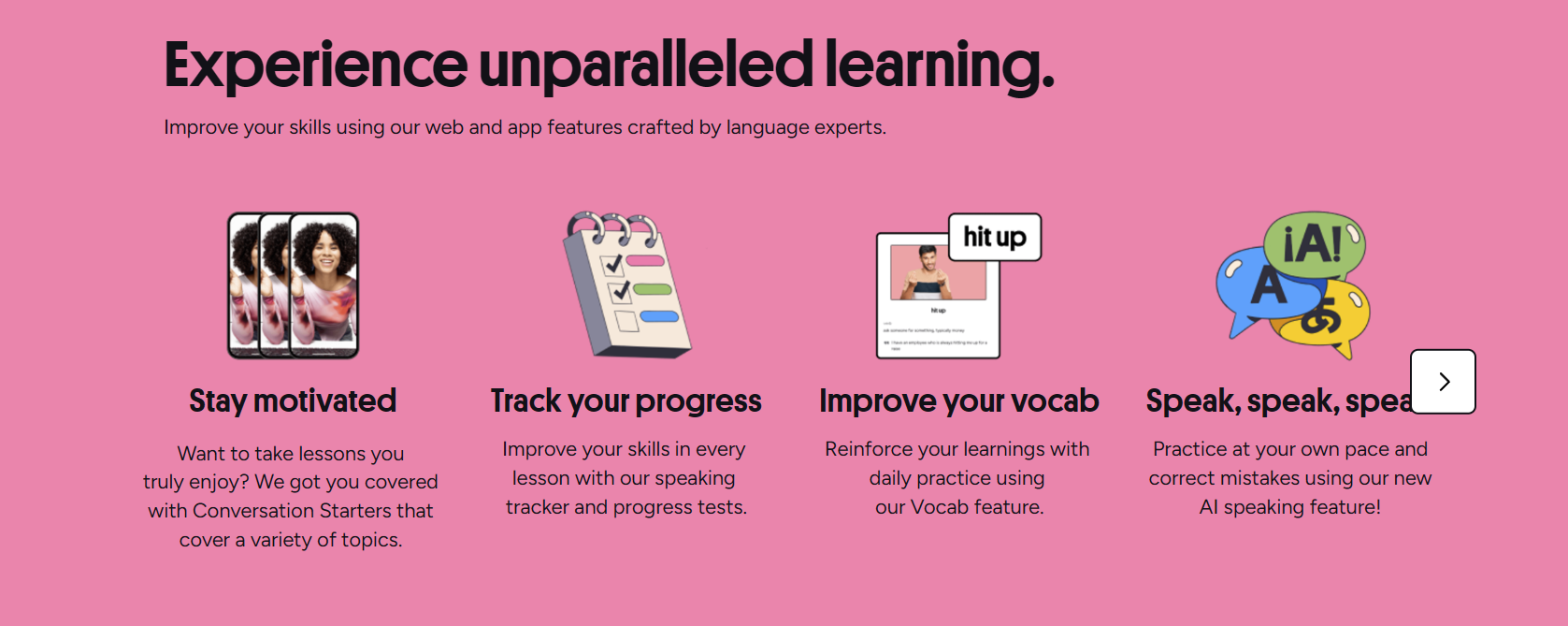
One underused feature: the "Courses" tab lets you create structured multi-lesson packages (e.g., "IELTS Writing 10-Lesson Course"). These appear in a separate marketplace section and attract students looking for a defined curriculum. Courses can be priced higher per hour than regular lessons because they include materials and a syllabus. Building one course takes 5–10 hours of prep but can become a recurring revenue stream.
Earnings Potential and Payment
Earnings vary wildly. A 2023 Preply survey suggested the median active tutor earns roughly $550 per month, but the distribution is heavily skewed. Top 10% of tutors earn $3,000+ monthly; many tutors earn under $100 because they teach sporadically. Full-time tutors (25+ hours/week) with 4.9+ ratings and 100+ reviews commonly report $2,500–$5,000 monthly after commission. Niche subjects like business English, exam prep, and less-common languages command premium rates with less competition.
Scroll horizontally to see all columns
| Scenario | Hours/Week | Rate/Hour | Commission | Est. Monthly Net |
|---|---|---|---|---|
| New tutor, general English | 10 | $18 | 33% | $480 |
| Established tutor, IELTS prep | 15 | $35 | 23% | $1,615 |
| Full-time tutor, business English | 25 | $40 | 20% | $3,200 |
| Top-rated niche language tutor | 20 | $50 | 18% | $3,280 |
These are rough estimates. Actual earnings depend on fill rate (percentage of available hours booked), retention (how many students rebook), and no-show/late-cancellation policies. Preply charges students for no-shows after 15 minutes; tutors receive 50% of the lesson price. Late cancellations (under 4 hours) pay nothing. Build a buffer into your schedule for these — they happen.
Tutor Rules and Policies
Preply's tutor agreement is standard for a marketplace. You cannot contact students outside the platform before the first lesson, share personal contact info, or accept payments directly. Violations risk account suspension. Lessons must start on time; tutors who are late more than 5 minutes without notice receive a strike. Three strikes in 90 days triggers a review. Students have the same rules.
- No off-platform communication before first paid lesson
- No direct payments — all transactions through Preply
- Lessons start on time; 5-minute grace period for technical issues
- Cancellations require 4+ hours notice for full refund to student
- No-shows after 15 minutes: student charged, tutor paid 50%
- Profile must reflect actual qualifications and languages spoken
- No soliciting reviews or offering incentives for positive ratings
- Disputes resolved by Preply support; decisions are final
The platform also enforces a "quality standard" — profiles with sustained ratings below 4.5 may lose visibility. This is not a hard ban, but it effectively ends growth. Most tutors maintain 4.8+ naturally if they communicate clearly and prepare lessons. The bigger risk is burnout: tutors who overbook to chase commission tiers often see quality slip, leading to lower ratings and a downward spiral.
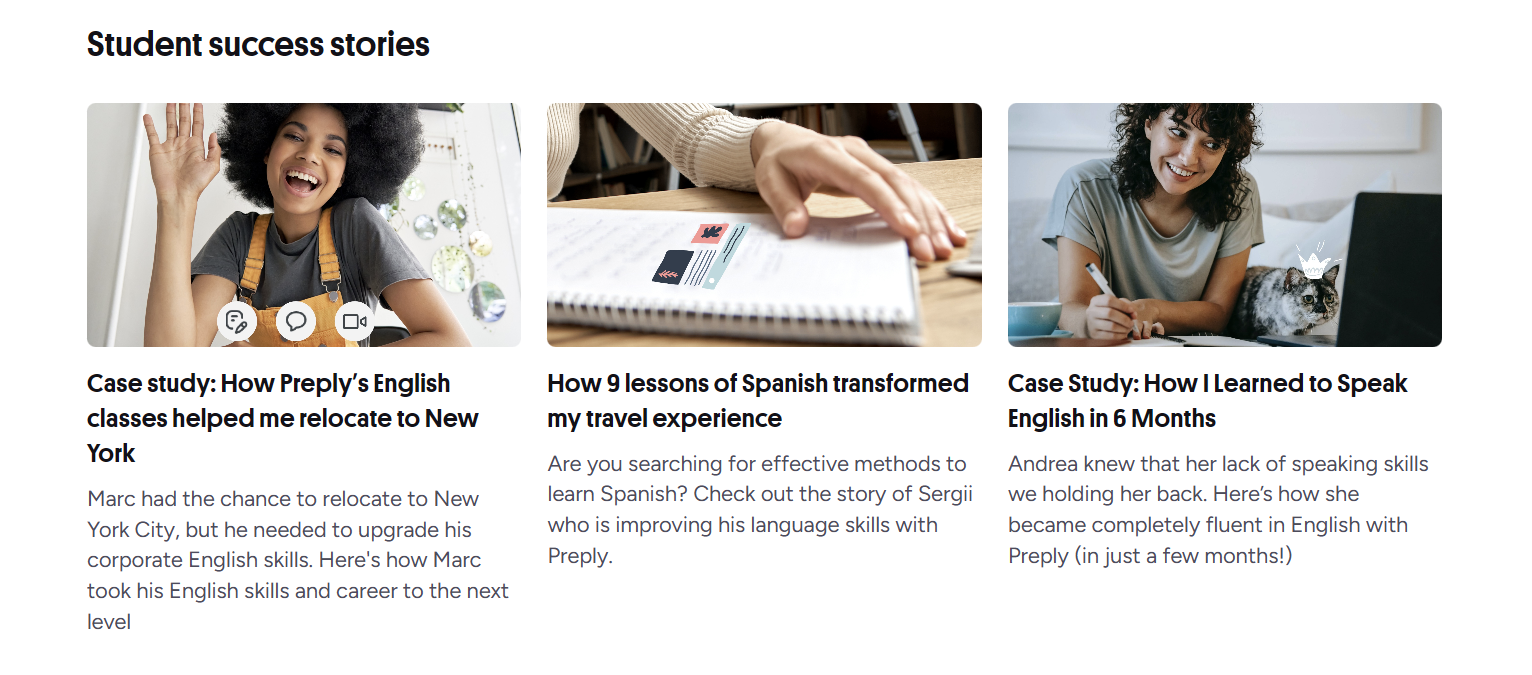
Preply's support team responds to tickets within 24–48 hours for most issues. Urgent problems (payment failures, technical outages during lessons) get priority. There is no phone support. The help center covers common scenarios well. For policy questions, the tutor community forum and Reddit's r/Preply are often faster and more candid than official channels.
Pros and Cons of Tutoring on Preply
Every platform has trade-offs. Preply's strengths are its scale, brand recognition, and built-in tools. The weaknesses center on commission costs, algorithm dependence, and limited control over student acquisition. Understanding both sides helps you decide whether to invest heavily or treat it as a supplementary income stream.
Scroll horizontally to see all columns
| Pros | Cons |
|---|---|
| Large global student pool | High commission (18–33%) |
| No upfront fees or subscriptions | Algorithm changes can tank visibility |
| Built-in classroom and scheduling | Limited branding — you're on their platform |
| Flexible hours and location | No benefits, paid time off, or job security |
| Decreasing commission with volume | Price competition from low-cost regions |
| Automatic payment processing | Student no-shows pay only 50% |
| Trial lesson funnel for new students | Support only via tickets, no phone |
The commission feels steep at first, but it buys you a student acquisition engine you'd otherwise have to build yourself. Whether that's worth 18–33% depends entirely on your ability to market independently.
Tips for Long-Term Success
Tutors who last years on Preply share certain habits. They specialize rather than generalize — "IELTS writing for nurses" beats "English tutor." They treat each student as a retention project, not a transaction. They track metrics weekly: trial conversion rate, rebooking rate, average lessons per student, hourly earnings after commission. They adjust one variable at a time and measure the result.
- Define a narrow niche and own it in your profile and video
- Create a reusable lesson framework for your specialty
- Send a 2-sentence progress note after every lesson
- Raise rates incrementally every 15–20 reviews
- Block 2 hours weekly for admin: messages, materials, calendar
- Diversify: build a course, offer group lessons, collect emails for off-platform newsletters (after first lesson)
- Invest in a good microphone and lighting — audio quality affects ratings more than video
Common Challenges and Solutions
New tutors hit predictable walls. The first is the "empty calendar" problem — approval comes, but no bookings. Usually the cause is narrow availability, uncompetitive rate, or a profile that doesn't communicate value. Fix: expand hours by 50%, lower rate 10%, rewrite bio to lead with student outcomes. The second wall is "trial churn" — students take one lesson and disappear. Fix: structure trials with a clear assessment and explicit next-step recommendation.
Scroll horizontally to see all columns
| Challenge | Likely Cause | Action |
|---|---|---|
| No trial bookings | Low visibility or unappealing profile | Expand availability, improve video, lower trial price |
| Trials don't convert | Weak trial structure or no clear pitch | Add assessment + explicit package recommendation |
| Students quit after 5–10 lessons | No visible progress tracking | Share monthly progress reports, set milestones |
| Earnings plateau | Rate too low for hours taught | Raise rate $2–$3, accept fewer but better students |
| Burnout | Overbooking at low rates | Cut hours 20%, raise rate, fire lowest-paying students |
| Rating drops below 4.7 | Communication gaps or prep issues | Audit last 5 lessons, ask a peer to observe |
The tutors who complain about Preply's algorithm usually have generic profiles. The algorithm rewards specificity — students search for "business English for presentations," not "English tutor." Match the search intent.
Technical issues happen. Browser permissions for camera/microphone are the most common culprit. Keep a backup: Zoom or Google Meet links ready to paste in chat if the Preply classroom fails. Preply's policy allows switching platforms mid-lesson if both parties agree, but the lesson must still be logged on Preply for payment. Document technical issues with screenshots for support tickets.

Comparing Preply to Alternatives
Preply sits between marketplace platforms like italki and Verbling and independent tutoring. italki has a similar model but lower commission (15% flat) and a larger community of casual learners. Verbling is smaller, more selective, and takes 18–25% with no tiered reduction. Independent tutoring (your own website, Stripe, Calendly) keeps 100% of revenue but requires 100% of marketing. Many tutors start on Preply, build a student base, then gradually move loyal students off-platform — though Preply's terms discourage this, enforcement is inconsistent.
For a new tutor with no audience, Preply's volume justifies the commission. For an established tutor with a waitlist, the math flips. The crossover point is roughly 15–20 regular students. At that scale, building a simple booking site and handling payments yourself saves thousands per year. But the transition takes months and risks losing students who prefer the platform's convenience.
Frequently Asked Questions
How long does the Preply tutor application take to get approved?
Typically 3–5 business days. Applications with complete profiles, clear videos, and verified IDs are approved faster. Incomplete applications may be rejected without detailed feedback.
Do I need a teaching certificate or degree to tutor on Preply?
No. Preply does not require formal teaching credentials. Students evaluate tutors based on profiles, videos, and reviews. However, qualifications help you stand out in competitive subjects.
What percentage does Preply take from tutors?
Commission starts at 33% for the first 20 hours taught, then decreases in tiers to 18% after 400+ lifetime hours. The rate applies to all lessons including trials.
Can I teach multiple subjects on Preply?
Yes, you can list up to 3 subjects on your profile. Each subject has its own rate and availability settings. Students search by subject, so listing relevant subjects increases visibility.
How do I get paid on Preply?
Payouts occur twice monthly (1st and 16th) via bank transfer (Wise), PayPal, or Payoneer. Minimum payout is $30 for bank transfers; lower for e-wallets. Currency conversion fees may apply.
What happens if a student doesn't show up for a lesson?
If a student is absent for 15+ minutes, the lesson counts as a no-show. The student is charged the full price and you receive 50% of the lesson fee. Late cancellations (under 4 hours) result in no payment.
Can I tutor on Preply from any country?
Yes, Preply accepts tutors worldwide as long as you can receive payments via supported methods (Wise, PayPal, Payoneer) and have a valid government ID. Some countries may have payment restrictions.
How do I increase my hourly rate on Preply?
Raise rates gradually — $2–$3 every 15–20 positive reviews. Specialize in a high-demand niche, build a course, and collect video testimonials. Higher rates with strong reviews outperform low rates with many reviews.
Final Assessment of Preply Tutoring
Preply works best for tutors who want a ready-made student pipeline and are willing to pay for it through commission. The platform removes the hardest part of freelance tutoring — finding students — but replaces it with algorithm dependence and a revenue share that never fully disappears. Tutors who approach it as a business, specialize early, and track their metrics can build a sustainable income. Those who treat it casually earn casual money. The barrier to entry is low, but the barrier to consistent $3,000+ months is real: it requires niche positioning, operational discipline, and patience through the first 100 hours when commission is highest and reviews are few. If that trade-off fits your situation, the application takes an afternoon and the risk is near zero.