

Online Teaching Platforms
How to Teach on Preply: Complete Tutor Guide
Everything you need to know about requirements, profile setup, pricing, and finding students on Preply.
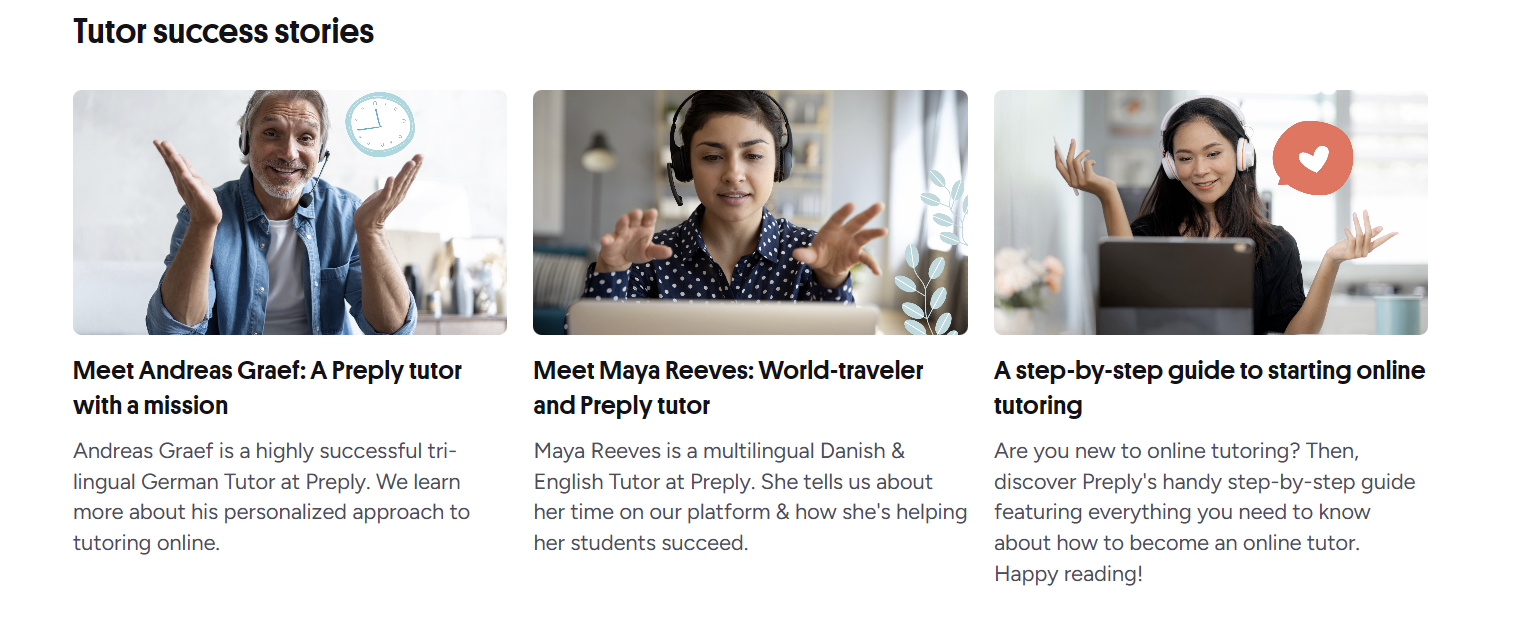
Preply has grown into one of the largest online tutoring marketplaces, connecting thousands of tutors with students worldwide. If you're considering teaching on the platform, the process is straightforward but competitive. This guide walks through every stage — from meeting the basic requirements to building a schedule that actually pays.
Contents
- 1. Preply Tutor Requirements and Eligibility
- 2. Creating a Profile That Converts
- 3. The Application and Verification Process
- 4. Understanding Preply's Commission Structure
- 5. Setting Your Schedule and Managing Availability
- 6. Teaching Tools and Classroom Features
- 7. Finding and Retaining Students
- 8. Specializing: General vs. Niche Teaching
- 9. Common Challenges and How to Handle Them
- 10. Payments, Withdrawals, and Tax Considerations
- 11. Building Long-Term Success on Preply
- 12. Final Assessment of Teaching on Preply
The platform doesn't require formal teaching credentials for most subjects, which opens the door for native speakers, professionals, and experienced tutors alike. What it does require is a reliable internet connection, a decent webcam, and the ability to pass a subject-specific proficiency test. The application itself takes about 20 minutes if you have your materials ready.
One thing that catches new tutors off guard: Preply takes a commission on every lesson, and that percentage changes based on how many hours you've taught. Understanding the tiered structure early helps you price competitively without undercutting your own income. We'll cover the exact breakdown later.
Preply Tutor Requirements and Eligibility
Before you start the application, make sure you meet the baseline. Preply's requirements are lighter than many competitors, but they're non-negotiable. You must be at least 18 years old. You need a computer with a stable broadband connection — Preply recommends at least 5 Mbps upload and download. A working webcam and microphone are mandatory; the platform's video classroom runs in-browser and doesn't support phone-only setups.
For language tutors, you'll need to demonstrate C1-level proficiency or higher in your teaching language. Native speakers typically pass the automated proficiency test without issue. If you're teaching academic subjects like math, physics, or programming, the test focuses on subject knowledge rather than language ability. The test is timed and recorded, so find a quiet space before you begin.
- Age 18 or older
- Stable broadband internet (5+ Mbps up/down)
- Working webcam and microphone
- Quiet, well-lit teaching space
- Government-issued ID for verification
- Subject proficiency at C1 level or equivalent
- Availability during peak student hours (varies by timezone)
Preply doesn't require a TEFL certificate, bachelor's degree, or prior teaching experience. That said, tutors with credentials tend to attract students faster and command higher rates. If you have certifications, upload them during profile creation — they appear as verified badges that students can filter for.
Background checks aren't performed by Preply directly, but the platform reserves the right to verify identity documents. Some corporate clients and parents request additional verification for tutors working with minors. If you plan to teach children, be prepared to provide a clean background check from your country of residence — this isn't a platform requirement but a practical necessity for that niche.
Creating a Profile That Converts
Your profile is your storefront. Students browse dozens of tutors before booking a trial lesson, and most decisions happen in seconds. The headline, video introduction, and first three lines of your bio do the heavy lifting. Preply's algorithm also weights profile completeness — tutors with filled-out calendars, videos, and detailed descriptions rank higher in search results.
The introduction video should be 60 to 90 seconds. Speak clearly, show your teaching space, and mention your specialty. Don't read a script. Students respond to authenticity more than polish. If you're not comfortable on camera, practice a few times — but keep it natural. A stiff, over-rehearsed video performs worse than a slightly imperfect but genuine one.
- Professional headshot — shoulders up, good lighting, neutral background
- Headline that states your specialty and experience (e.g., "IELTS Specialist | 5+ Years | 200+ Students")
- Video introduction under 90 seconds
- Bio written in first person, conversational tone
- Clear teaching methodology description
- Availability calendar updated weekly
- Verified certifications and test scores displayed
The bio section gives you 600 characters. Use them to answer three questions: who you teach, how you teach, and what results students can expect. Avoid generic statements like "I'm passionate about teaching." Instead, write: "I help B2-level professionals prepare for IELTS speaking and writing. My students typically improve 0.5 bands in 10 lessons using targeted mock exams and personalized feedback." Specificity builds trust.
The Application and Verification Process
Once your profile is drafted, you'll submit it for review. Preply's team typically responds within three business days. They check video quality, bio completeness, and whether your stated expertise matches your test scores. Rejections usually come down to poor video audio, incomplete profiles, or proficiency test scores below the threshold. You can reapply after addressing the issues.
After approval, you'll complete identity verification. This requires uploading a government-issued photo ID (passport, driver's license, or national ID) and a selfie holding that ID. The process is automated and usually clears within hours. Until verification finishes, your profile stays hidden from students. You can still set up your calendar and pricing during this window.
One detail many tutors miss: your timezone setting determines when you appear in student searches. Set it to your actual location, not where your target students live. The platform handles conversion automatically. If you travel, update your timezone — students book based on displayed availability, and missed lessons due to timezone confusion hurt your rating.
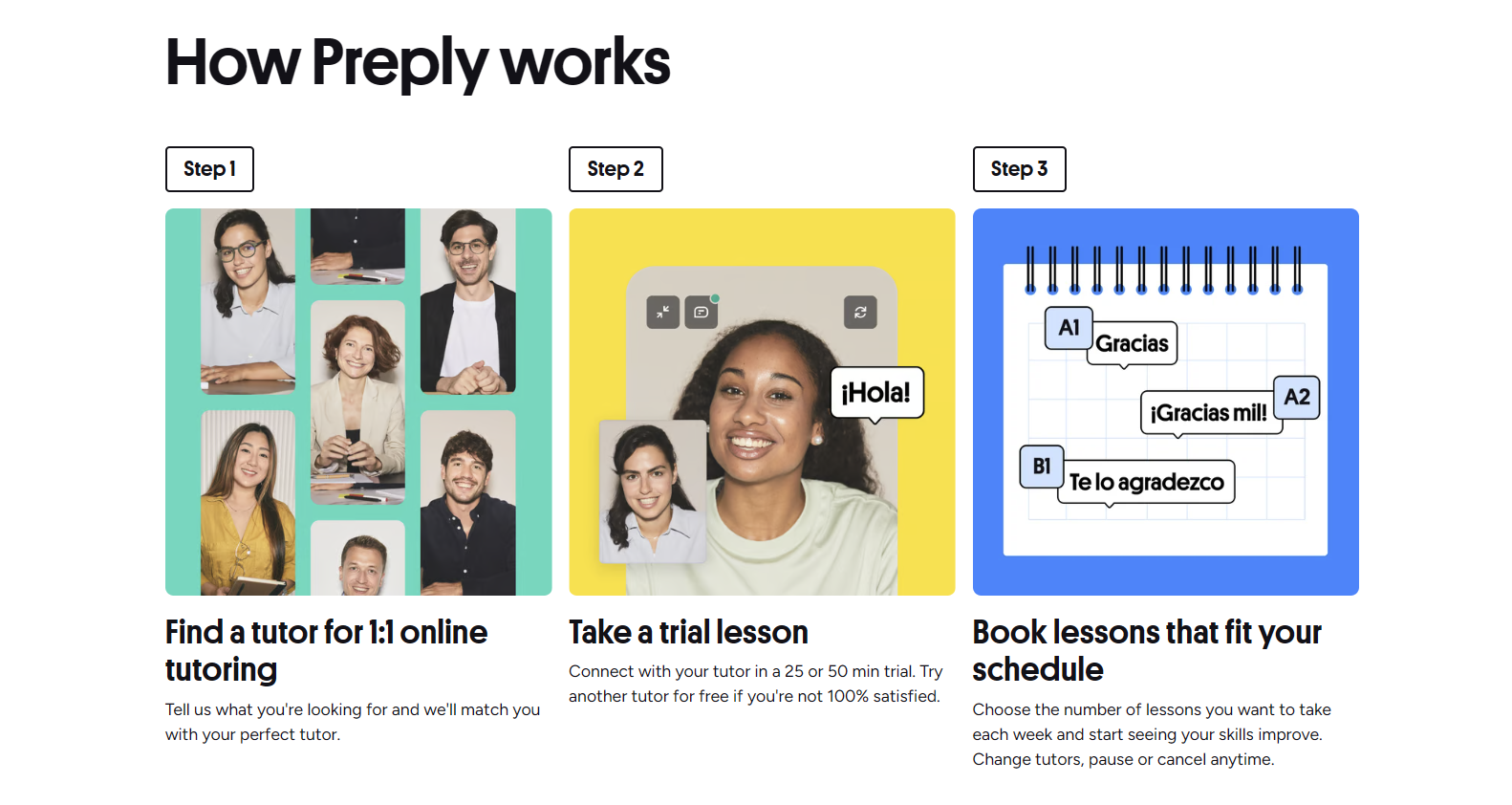
The proficiency test deserves its own mention. For English tutors, it's a 20-minute adaptive assessment covering grammar, vocabulary, and reading comprehension. You get one attempt per application cycle. If you don't pass, you can retake it after 30 days. Prepare by reviewing advanced grammar structures (conditionals, subjunctive, passive voice) and academic vocabulary. The test isn't tricky, but it penalizes careless errors.
Understanding Preply's Commission Structure
Preply uses a tiered commission model that rewards volume. Every tutor starts at 33% commission on each lesson. After 50 completed hours, it drops to 28%. At 200 hours, you hit 25%. The lowest tier — 18% — kicks in at 400 hours. These thresholds reset only if you're inactive for an extended period, so consistency matters.
Scroll horizontally to see all columns
| Completed Hours | Commission Rate | Your Take (per $15/hr) |
|---|---|---|
| 0–49 | 33% | $10.05 |
| 50–199 | 28% | $10.80 |
| 200–399 | 25% | $11.25 |
| 400+ | 18% | $12.30 |
Trial lessons are a special case. Preply charges students a reduced rate (often 50% off your regular price) and takes 100% of that trial fee as commission. You don't earn from trial lessons directly. The trade-off: trials are your primary acquisition channel. Most students book a trial before committing to a package. Treat every trial as a paid interview — your conversion rate from trial to regular student determines your long-term income.
Setting Your Schedule and Managing Availability
Preply's calendar operates on weekly recurring availability with override options for specific dates. Students see your schedule in their local time. The platform doesn't allow double-booking, and last-minute cancellations (under 4 hours) incur penalties that affect your ranking. Block out genuine unavailable times — don't leave gaps hoping students won't book them.
Peak demand hours cluster around early mornings and evenings in major timezones: 6–9 AM and 6–10 PM in Europe, similar windows in Asia and the Americas. If your schedule only covers off-peak hours, you'll wait longer for bookings. Weekend availability significantly increases visibility, especially for professionals and students with rigid weekday schedules.
- Open slots 2–3 weeks in advance for regular students
- Keep at least 10 hours weekly during peak windows
- Use the "instant booking" toggle selectively — it fills gaps but removes your approval step
- Block vacation dates at least 14 days ahead
- Reserve 1–2 flexible slots weekly for trial lessons
The platform sends automated reminders 24 hours and 1 hour before each lesson. Students can cancel or reschedule up to 4 hours before without penalty. After that, they're charged and you're paid your share. No-shows happen — about 5–10% of trials. Preply doesn't compensate for student no-shows beyond the trial lesson fee structure, so factor this into your effective hourly rate.
Teaching Tools and Classroom Features
Preply's built-in classroom runs on WebRTC — no downloads required for either party. It includes screen sharing, a collaborative whiteboard, file upload, and chat. The whiteboard supports text, drawing, and image annotation. You can upload PDFs, images, and documents before or during lessons. Students access shared materials in their lesson history afterward.
The platform records lessons automatically if both parties consent. Recordings stay available for 30 days. This feature is useful for student review but raises privacy considerations. Always ask before enabling recording, especially with minors. Some tutors use external tools (Zoom, Google Docs) alongside Preply for specific workflows — this is allowed but not supported by Preply's technical team.
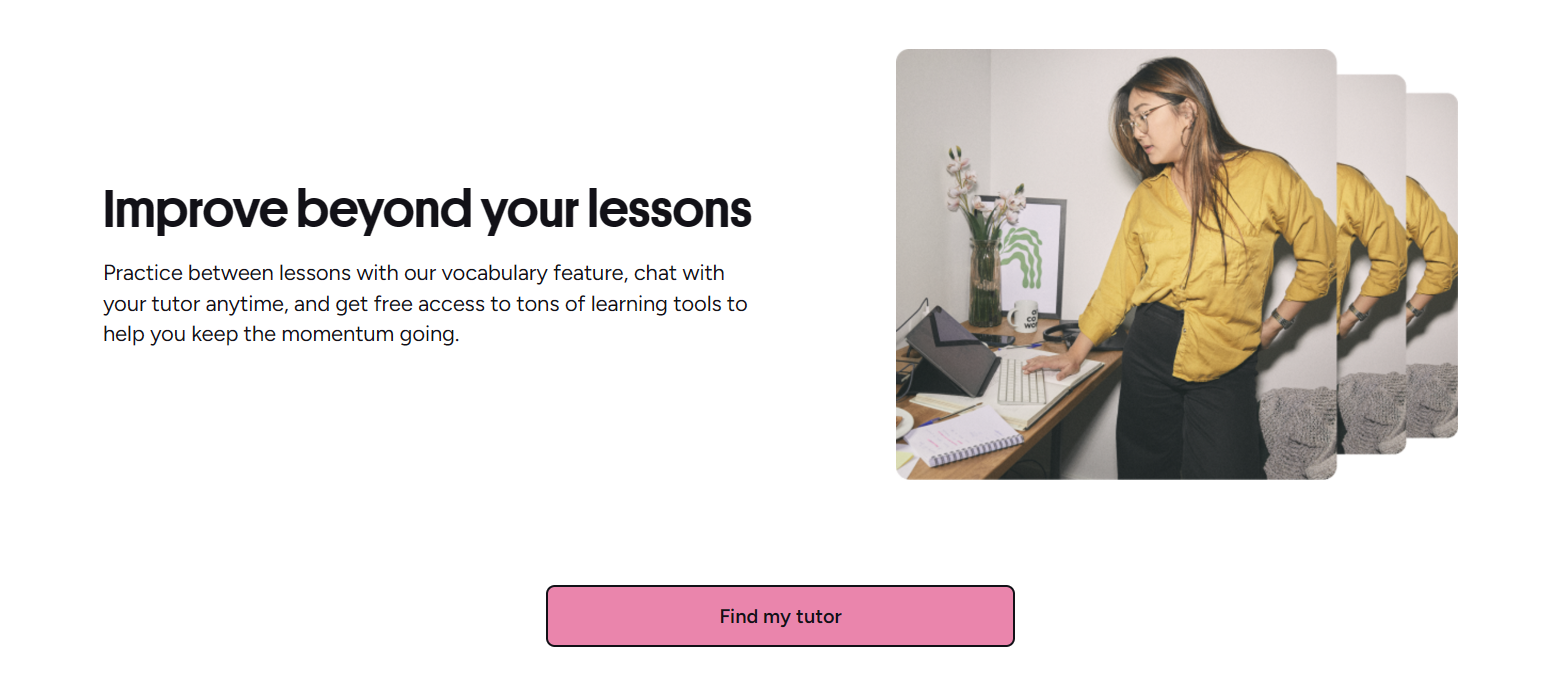
Lesson notes are a built-in feature many tutors underuse. After each session, you can write a summary visible to the student. This reinforces learning, documents progress, and creates a paper trail for package renewals. Students who receive consistent notes renew at higher rates. Spend 2–3 minutes after each lesson — it compounds.
Finding and Retaining Students
New tutors often assume students will appear organically. They won't — not at first. Preply's marketplace favors tutors with reviews, response rates, and completed hours. Your first 10–20 students usually come from trial lessons booked by students browsing your niche. Optimize for the filters students actually use: language, specialty (IELTS, business, kids), price range, and availability.
The "Students" tab shows who's viewed your profile, sent messages, or booked trials. Follow up on every message within the hour. A simple "Thanks for reaching out — I have availability Tuesday and Thursday evenings if that works" converts better than a generic welcome. Personalize. Reference something from their profile or message.
Package lessons (5, 10, 20 hours) are where stable income lives. Trial students convert to packages at roughly 20–30% if the trial goes well. After the first package, renewal rates climb to 60–70% for tutors who communicate progress clearly. Encourage package purchases by framing them as commitment to a goal — not a discount.

Specializing: General vs. Niche Teaching
General conversation tutors face the most competition and the lowest rates. Specialization changes the economics. Test preparation (IELTS, TOEFL, TOEIC, Cambridge exams), business English, academic writing, and industry-specific terminology (medical, legal, tech) command 30–50% premiums. Students searching these terms have urgent goals and higher budgets.
If you're a native speaker without formal qualifications, test prep is the most accessible niche. The exam formats are public. You can learn the scoring criteria, build a curriculum from official materials, and deliver results without a teaching degree. Many successful Preply tutors started this way — mastering one exam inside out, then expanding.
Scroll horizontally to see all columns
| Specialty | Entry Rate | Experienced Rate |
|---|---|---|
| General Conversation | $12–18 | $18–25 |
| Business English | $18–28 | $28–45 |
| IELTS/TOEFL Prep | $20–30 | $30–50 |
| Academic Writing | $22–32 | $32–50 |
| Kids/Teens | $15–22 | $22–35 |
| Industry-Specific (Medical, Legal, Tech) | $25–35 | $35–60 |
Teaching children deserves its own note. Parents pay well but expect structured progress reports, homework, and communication. You'll need patience, engaging materials, and often a background check. The lessons are shorter (30–45 minutes), so your hourly rate needs to account for more admin time per teaching hour.
Common Challenges and How to Handle Them
Income volatility is the biggest complaint. Preply doesn't guarantee hours. January and September are peak months; December and August can be 40% slower. Build a financial buffer. Diversify across timezones so your calendar doesn't empty when one region goes on holiday. Some tutors maintain profiles on multiple platforms for stability.
Difficult students exist. The ones who cancel repeatedly, demand free extra time, or leave unfair reviews. Preply's support team handles disputes but tends to side with students on refund requests. Document everything in lesson notes and chat. If a student violates policies (abusive behavior, no-shows), report them — but pick your battles. One bad review early on hurts more than losing a problematic student.
- Income gaps during holiday seasons — plan financially
- Last-minute cancellations — enforce the 4-hour policy consistently
- Scope creep (students asking for homework help outside lessons) — set boundaries in trial lesson
- Technical issues — have a backup device and mobile hotspot ready
- Burnout from back-to-back lessons — schedule 10-minute buffers
The tutors who last aren't the ones with perfect profiles. They're the ones who treat it like a business from day one — tracking metrics, adjusting prices, and protecting their time.
Payments, Withdrawals, and Tax Considerations
Preply pays tutors weekly via PayPal, Payoneer, or bank transfer (depending on country). Minimum withdrawal is $30. Funds clear 7 days after lesson completion — this rolling window protects against chargebacks. You'll see "pending" and "available" balances in your dashboard. Plan cash flow around the 7-day delay, especially in your first month.
Tax documentation varies by country. Preply issues 1099 forms for US tutors earning over $600 annually. For other jurisdictions, you're responsible for local tax compliance. The platform doesn't withhold taxes. Keep records of all earnings, commission deductions, and platform fees — they're deductible business expenses in most systems. Consult a tax professional familiar with freelance income.
Building Long-Term Success on Preply
Sustainable tutoring on Preply comes down to three habits: consistent availability, systematic student management, and deliberate rate increases. Tutors who treat the platform as a side hustle with random schedules rarely break $500/month. Those who block 15–20 hours weekly, track conversion metrics, and raise rates every 50–100 hours consistently hit $1,500–3,000+ within a year.
Invest in your setup gradually. A $100 USB microphone (Blue Yeti or similar) and ring light pay for themselves in trial conversions within weeks. Students notice audio quality immediately. Poor audio = low trust = fewer bookings. Upgrade your internet plan if you're on the edge of stability. One dropped lesson costs more than a year of better bandwidth.
Join Preply's tutor community forums and Facebook groups. The platform doesn't officially endorse them, but they're where tutors share real-time algorithm changes, student behavior patterns, and workaround strategies. Official support responds slowly; peer knowledge moves fast. Just verify anything critical before acting on it.
Consider creating reusable lesson materials — slide decks, worksheet templates, progress trackers. The first time you build a 10-lesson IELTS curriculum, it takes 20 hours. The second time, it takes 30 minutes to customize. Material reuse is how you scale hourly earnings without working more hours. Store everything in cloud folders organized by student level and goal.
Final Assessment of Teaching on Preply
Preply works best for tutors who want flexibility without building their own marketing funnel. The platform brings students, handles payments, and provides teaching tools — but takes a significant cut, especially early on. If you have a niche specialty, decent equipment, and can commit to consistent peak-hour availability, it's a viable primary or supplemental income stream. If you're testing the waters with general conversation tutoring and limited hours, expect slow growth and low hourly earnings after commission.
The tutors who succeed long-term share one trait: they track their numbers. Conversion rate from trial to package. Renewal rate after first package. Effective hourly rate after commission and no-shows. Hours taught per week. They adjust one variable at a time and measure the result. Preply's dashboard provides the data — most tutors just don't look at it.
Frequently Asked Questions
How long does it take to get approved as a Preply tutor?
Profile review takes 1–3 business days. Identity verification adds a few hours. Most tutors are live within a week if their application is complete.
Do I need a TEFL certificate to teach English on Preply?
No. Preply doesn't require TEFL or any teaching certification. You only need to pass the proficiency test. However, certified tutors attract more students and can charge higher rates.
What percentage does Preply take from tutors?
Commission starts at 33% and decreases to 28% after 50 hours, 25% after 200 hours, and 18% after 400 completed hours. Trial lessons have 100% commission taken by Preply.
Can I teach on Preply without a degree?
Yes. Preply doesn't require a bachelor's degree or any formal education credentials. Your proficiency test score and profile quality determine approval.
How do I get my first students on Preply?
Optimize your profile for search filters, set availability during peak hours, respond to messages within an hour, and treat every trial lesson as a paid interview. Most tutors get their first booking within 1–2 weeks.
What equipment do I need to teach on Preply?
A computer with 5+ Mbps internet, HD webcam, USB microphone or headset, and a quiet, well-lit space. Preply's classroom runs in-browser — no software installation required.
Can I set my own prices on Preply?
Yes. You set your hourly rate. Preply suggests a range based on your specialty and experience, but you can price above or below. Trial lesson prices are set by Preply at a discount to your regular rate.
What happens if a student doesn't show up for a lesson?
For regular lessons, students can cancel up to 4 hours before without charge. No-shows within 4 hours are charged the full lesson price and you receive your share. For trial lessons, Preply keeps the trial fee regardless.